Database Backups & Restore
Canopy includes a built-in Backup Manager for Postgres and MySQL.
Create a backup
- Open the Backup Manager (
Cmd+B) or use the backup icon. - Choose the database service and target database.
- Name the backup and start it.
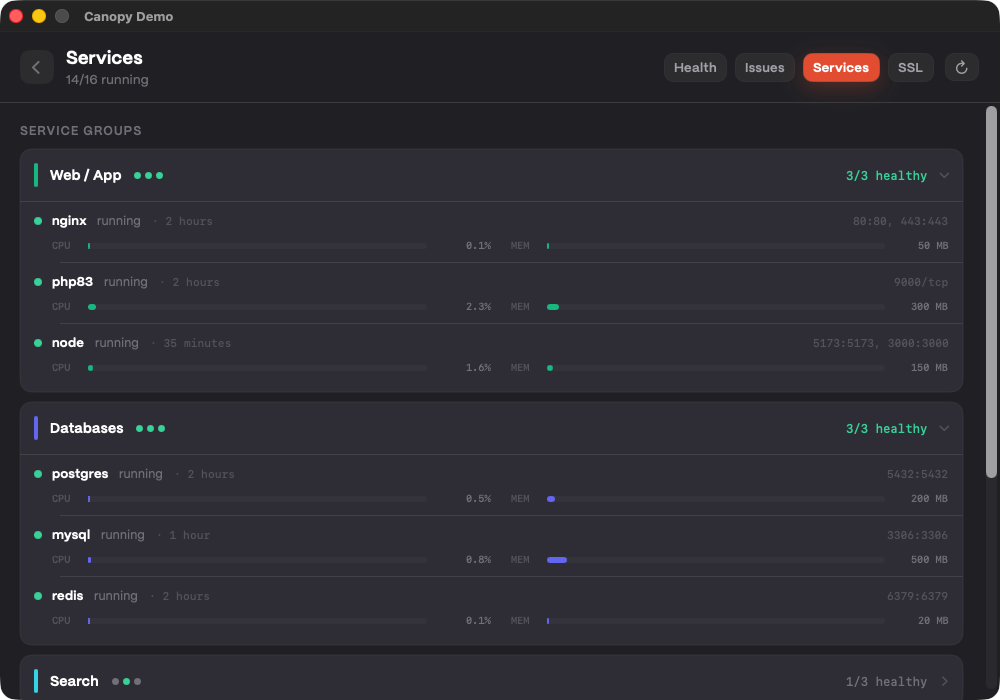 Temporary verification: Backup Manager main view placeholder (backup list + create action context).
Restore a backup
- Open Backup Manager.
- Select a backup.
- Choose the target database and confirm.
Temporary verification: restore confirmation dialog placeholder (source backup + target DB selections).
Tips
- Create a backup before major migrations.
- Use descriptive names like
pre-migration-2026-05-05.
Next up
Learn how to launch projects quickly with IDE & Terminal Integration.