SSL & CORS
Enable SSL
Turn on SSL for a site to get trusted local HTTPS:
- Canopy creates a local certificate authority (CA).
- You’ll be prompted once to trust it in Keychain.
- The site reloads with
https://automatically.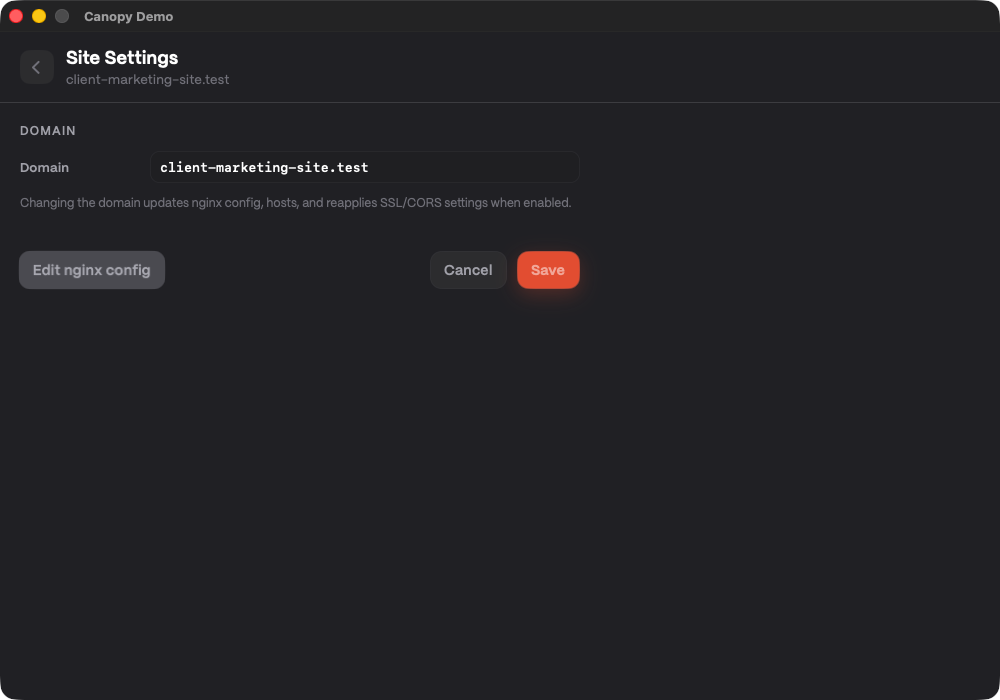 Temporary verification: site row/settings with SSL-enabled state context.
If you see a browser warning
Open Keychain Access and verify the “Canopy Local CA” is trusted. You can also toggle SSL off and on to re-issue certificates.
Configure CORS
Use the CORS button on a site to choose:
- Allow All Origins (wildcard
*) - Specific Origins (a list you control)
Canopy injects and removes the needed directives automatically.
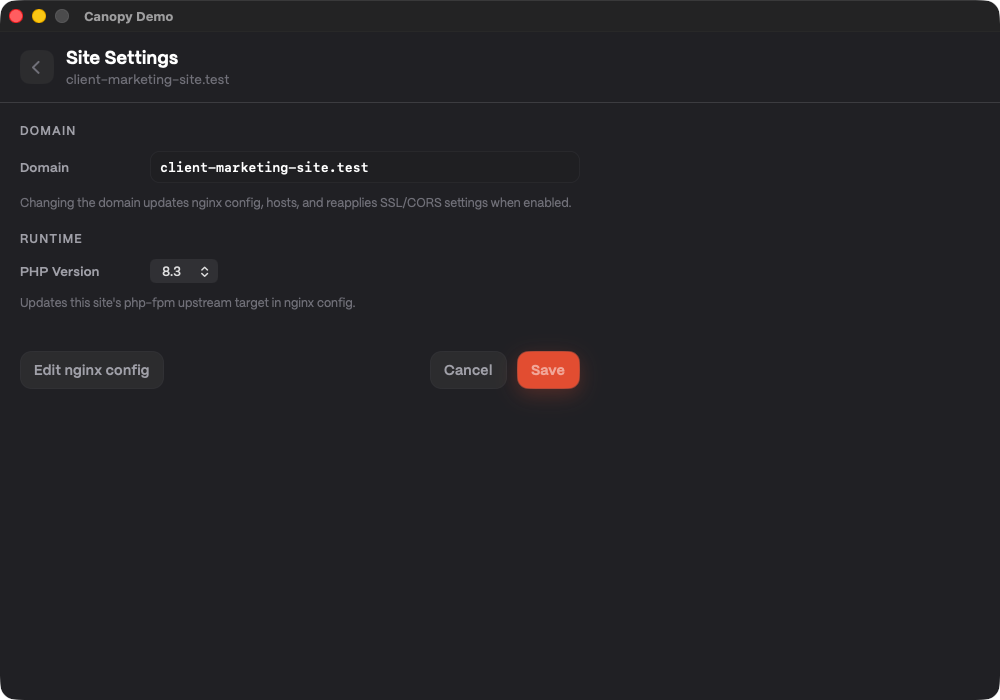 Temporary verification: CORS settings panel area with mode/origin controls.
Next up
Manage shared services in Services & Ports.