Settings, Updates & Licensing
Key settings
In Settings, you can:
- Choose your IDE and terminal
- Change whether Canopy starts automatically at login (the same setting shown during onboarding)
- Toggle theme preferences
- Manage service ports (via Service Settings)
- Install or update the bundled
canopyCLI and view its status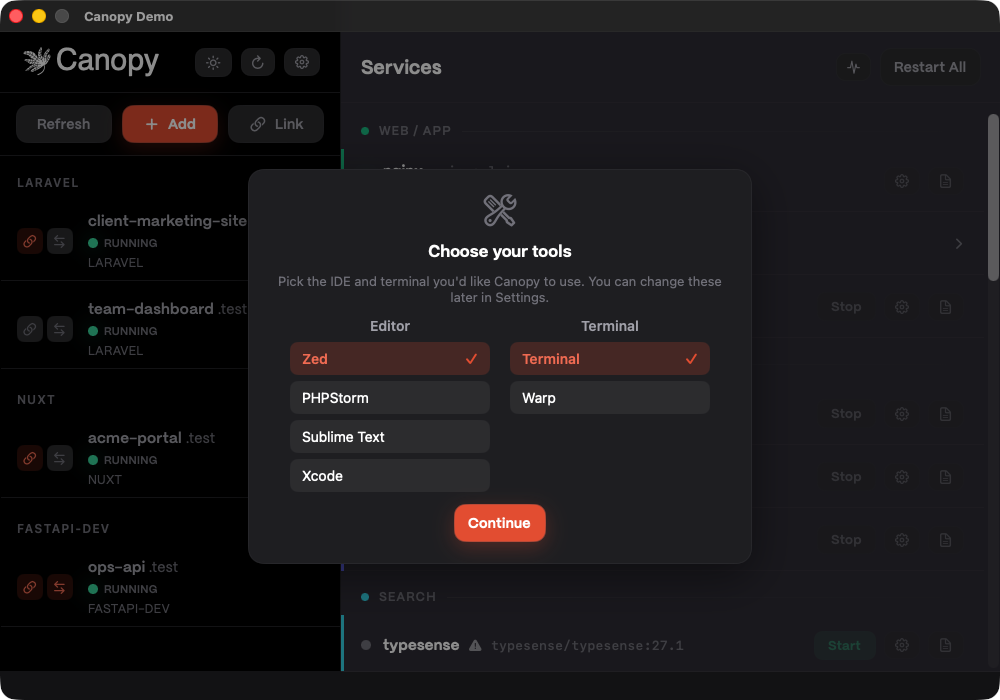 Temporary verification: settings/tools view for IDE + terminal picker controls (and related setup status context).
Launch at login
On first run, onboarding asks whether Canopy should start automatically when you sign in (enabled by default).
You can change this later in Settings → Tooling → Start Canopy automatically at login.
If macOS reports that approval is required, approve Canopy in System Settings → General → Login Items.
Auto-updates
Canopy checks for updates automatically. You can also check manually from the app menu or status bar menu.
Licensing and trial
Canopy offers a 14-day free trial. Licenses are tied to your account and can be activated on up to two machines.
Crash reporting (opt-in)
Crash reporting is optional and disabled by default. If enabled, reports are sanitized to remove personal information before being sent.
Example Canopy stack .env overrides (advanced)
If you need to avoid port conflicts or change the default project location, keep overrides small and intentional:
PROJECTS_DIR=~/Projects
NGINX_HTTP_PORT=8080
NGINX_HTTPS_PORT=8443
POSTGRES_PORT=5433
XDEBUG_PORT=9003
After saving settings, Canopy restarts affected services automatically.
Next up
Learn the built-in Keyboard Shortcuts.